

-
Written By Evren Cole
-
Updated on May 18th, 2026
Import IMAP to iCloud Account – Easy Methods
Summary: In today’s time, transferring IMAP mailbox data to iCloud is an effective way to manage emails securely within the Apple ecosystem. However, many users face synchronization problems with popular email services such as Gmail, Yahoo, and Outlook on different devices. In this article, we will cover manual methods suitable for smaller migrations along with a professional alternative. You can also import IMAP to iCloud through the IMAP Backup Tool, which makes for a hassle-free IMAP to iCloud migration.
Why is it important to migrate IMAP to iCloud?
- iCloud keeps your emails synced across all your Apple devices automatically.
- You get better integration with Mail, Contacts, and Calendar on iPhone and Mac.
- Apple manages the storage and security on its end, so you worry less.
- It reduces the need to manually configure server settings every time.
- Your emails are backed up as part of your iCloud backup, which is handy.
- It’s one less account to manage if you’re already living in the Apple world.
Proven Methods to Import IMAP to iCloud
There are several approaches available to complete the import process from IMAP to iCloud. Here we will discuss the most appropriate approaches.
- Native Approach
- Reliable Approach
Native Approach to Transfer IMAP Emails to iCloud
- First, open the Apple Mail App on your Mac system.
- Afterward, from the top menu bar, click Mail and then choose Add Account.
- Then, select the Other Mail Account option and enter the IMAP credentials.
- Now, the app automatically configures the server settings.
- Next, once both accounts are successfully added, they will be displayed in the sidebar.
- Lastly, choose the emails from the IMAP mailbox and move them into iCloud.
(Use drag and drop to complete the email transfer process)
Disadvantages of the Manual Method
- This method is reliable for small-scale files.
- It consumes a lot of time while you import large mailbox files.
- Moreover, maybe some data may get missed during import.
Reliable Approach to Import IMAP to iCloud
The IMAP Backup Tool offers a secure solution for transferring emails between IMAP accounts without affecting data integrity. It supports migration of multiple IMAP accounts while it preserves the folder structure and mailbox hierarchy throughout the process. Moreover, with its advanced functionality, users can perform a quick and smooth email transfers with minimal effort. In addition, the software also allows users to migrate IMAP to Yahoo Mail and migrate IMAP to Gmail and various other email platforms with ease.
Minimal Steps to move IMAP mailbox to iCloud
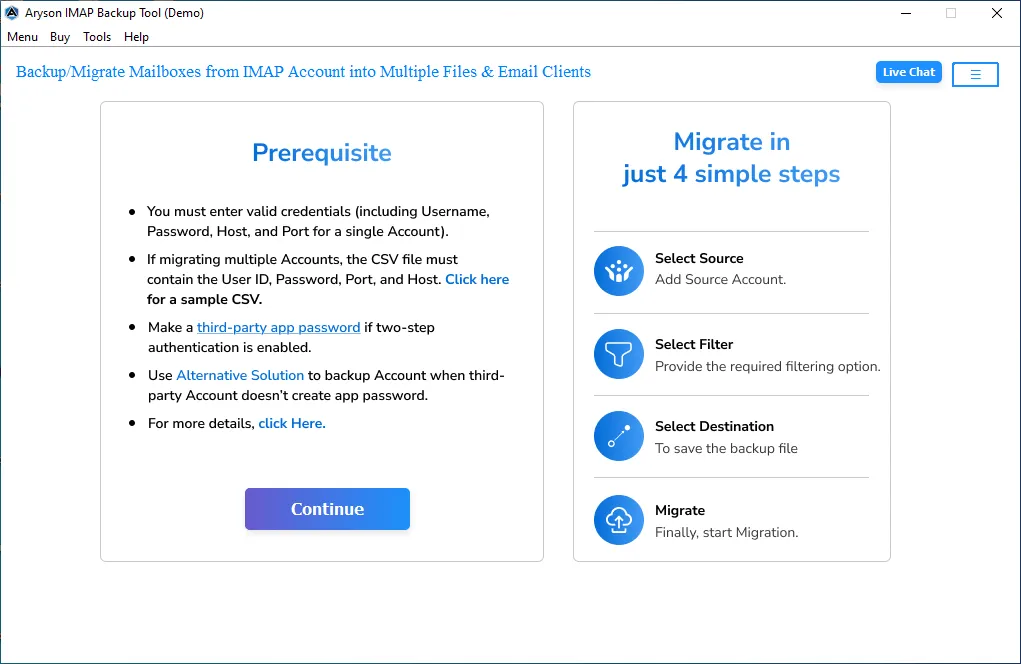
- You need to install the IMAP Backup Tool on your computer.
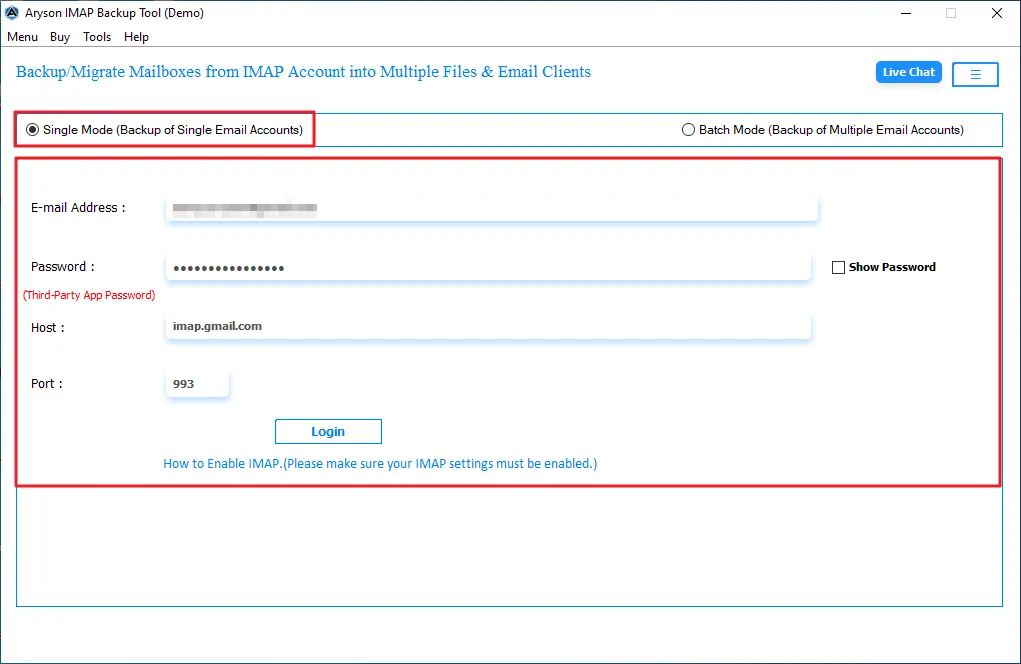
- After that, select single/batch mode and enter the login credentials.
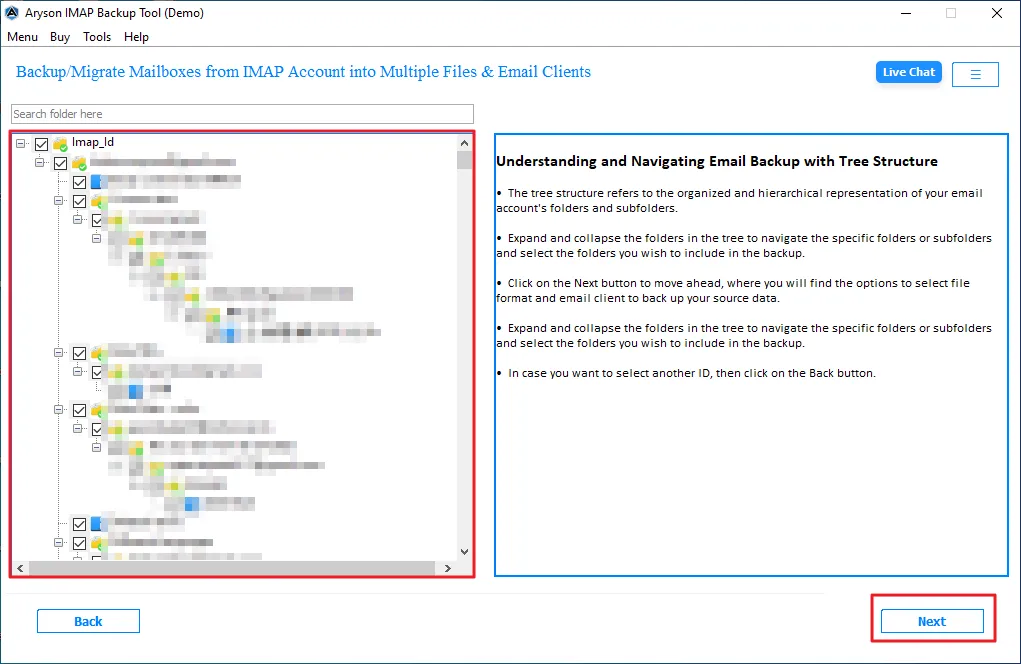
- Now, you can view the folders and select the one you want to migrate >> Next.
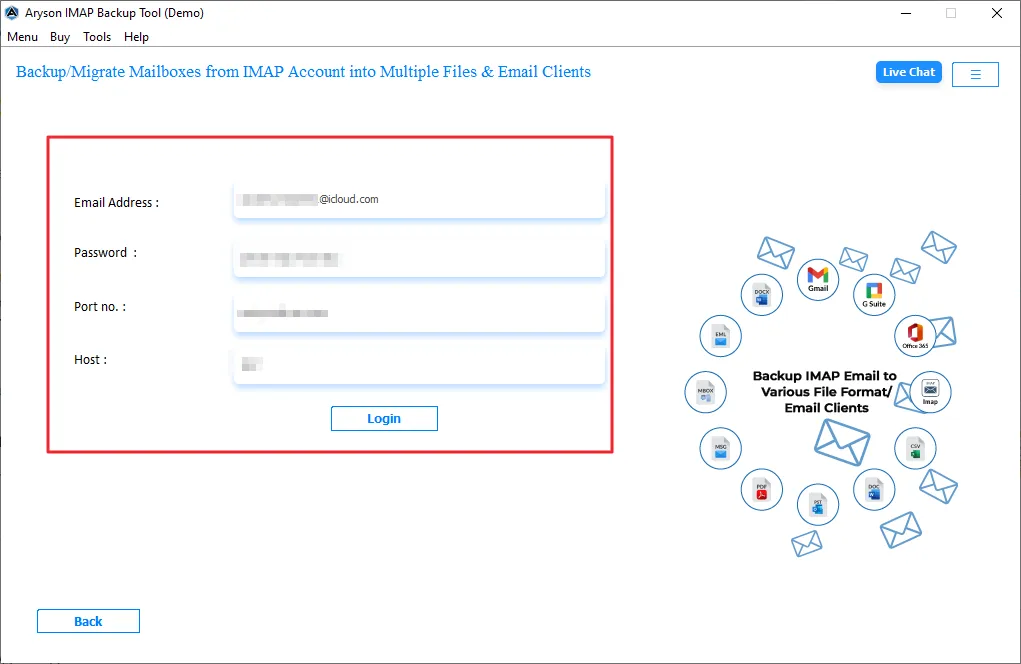
- Thereafter, choose iCloud from the email client option, and enter the credentials.
- Meanwhile, you can enable the required filters for selective data export.
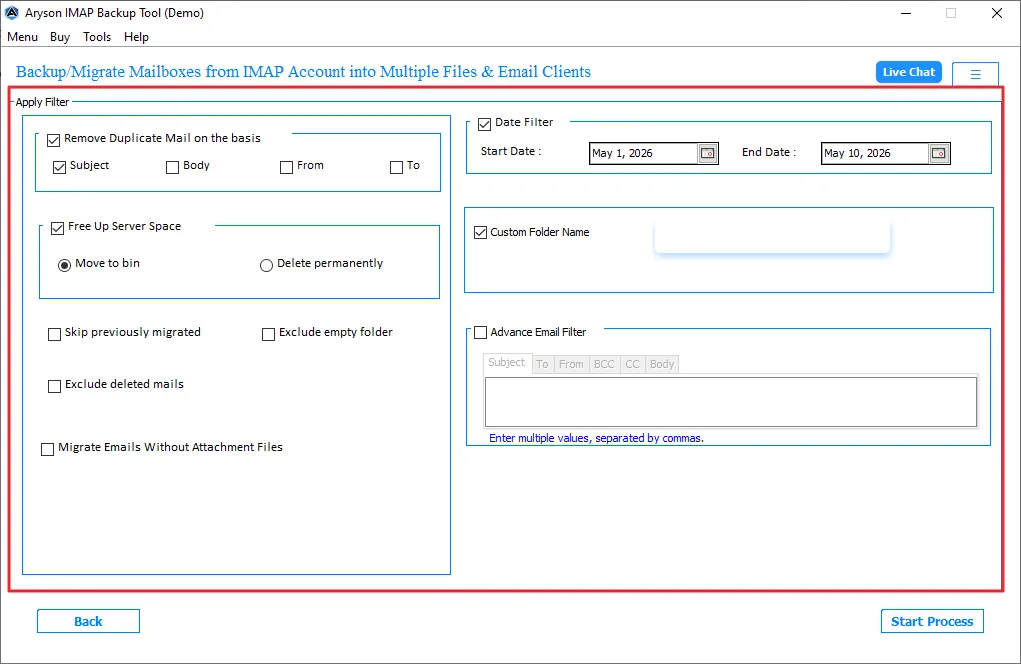
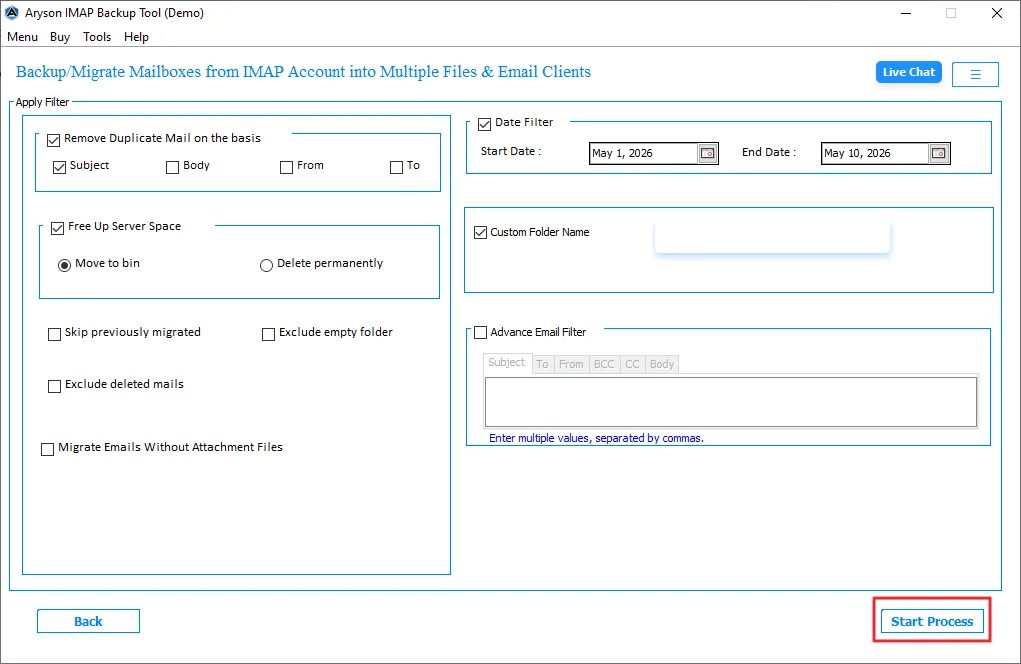
- Finally, click on the Convert button to start the import from IMAP.
Comparison Table: Native vs Reliable Approach for IMAP to iCloud Mail Migration
|
Feature |
Native Method |
Reliable Approach |
|
Selective Migration |
No advanced filter options |
Supports selective email migration filters |
|
Folder structure |
May disturb the mailbox hierarchy |
Preserves original folder structure |
|
Data Integrity |
Risk of skipped or missing emails |
Maintains complete data integrity |
|
Migration Speed |
Time-consuming for large mailboxes |
Fast and efficient transfer process |
|
Technical Knowledge |
Basic technical understanding required |
Easy for both technical and non-technical users |
|
Bulk Email Migration |
Not suitable for large-scale migration |
Supports bulk IMAP mailbox migration |
Ending Note
To finish it up, we covered all the aspects to accomplish the import process smoothly. Import IMAP to iCloud is important to access your emails on a Mac. While the manual method is suitable for the Mac operating system. It is recommended to use professional software, which is available for all operating systems. With the right approach, you can easily perform the migration.
Frequently Asked Questions:
Q.1. Can I import IMAP emails directly into iCloud Mail?
Ans. Yes, use professional software to directly import IMAP emails to iCloud.
Q.2. Can I import emails into iCloud custom domain email address?
Ans. Yes, emails can be imported into an iCloud custom domain account using IMAP configuration or a professional migration tool.
Q.3. What is the best professional method to migrate IMAP to iCloud securely?
Ans. Using an IMAP Backup tool is considered the safest and easiest method for secure IMAP to iCloud migration.
Q.4. How do I transfer emails from an IMAP account to iCloud Mail?
Ans. You can configure both accounts in an email client or use an IMAP Backup tool to move emails directly to iCloud Mail.
About The Author:

Evren Cole is an expert in Email and Data Management. She has a strong passion for technology and entrepreneurship. In her free time, she enjoys football, music, and reading books.

